
Currently, CereTax has two roles, Administrator and Read Only. Custom roles can be created if needed, see section Creating Custom Role for more information.
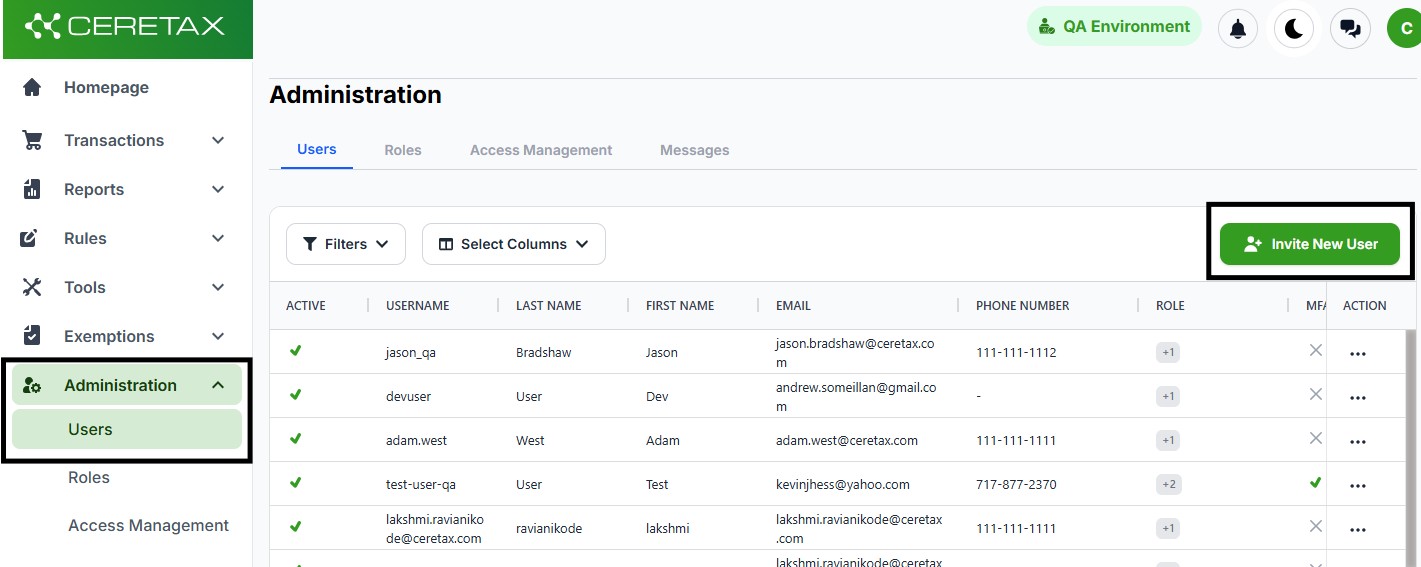
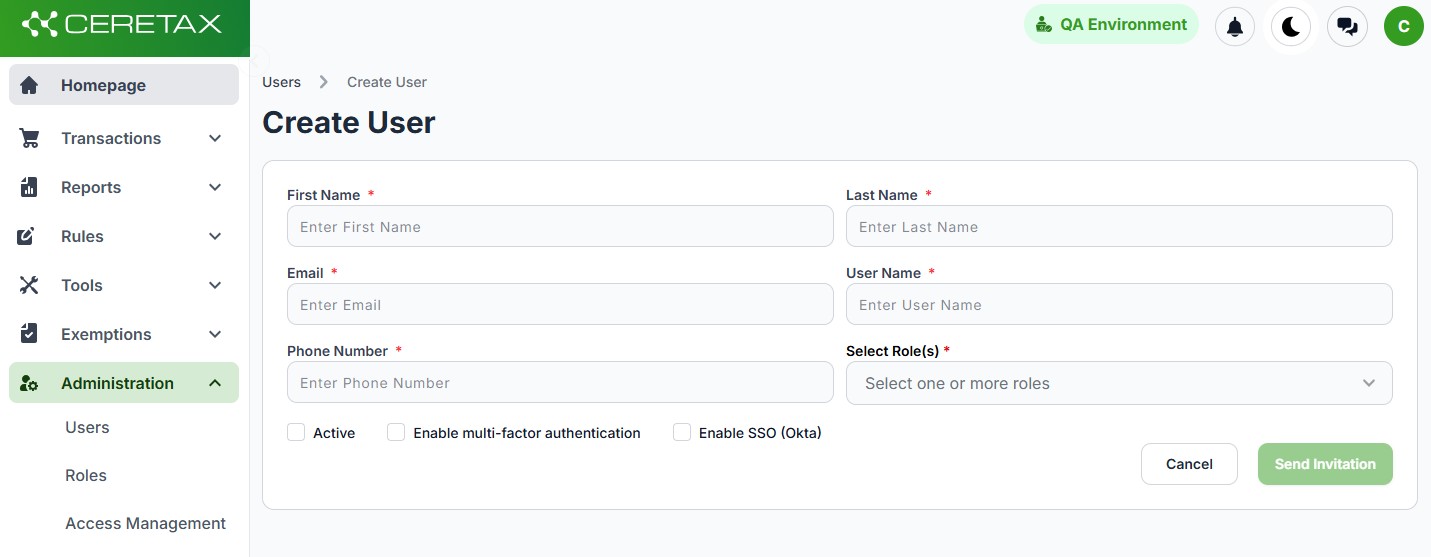
Fill out all required fields which are marked with an asterisk, once all required fields are populated the Send Invitation button will become active and clickable
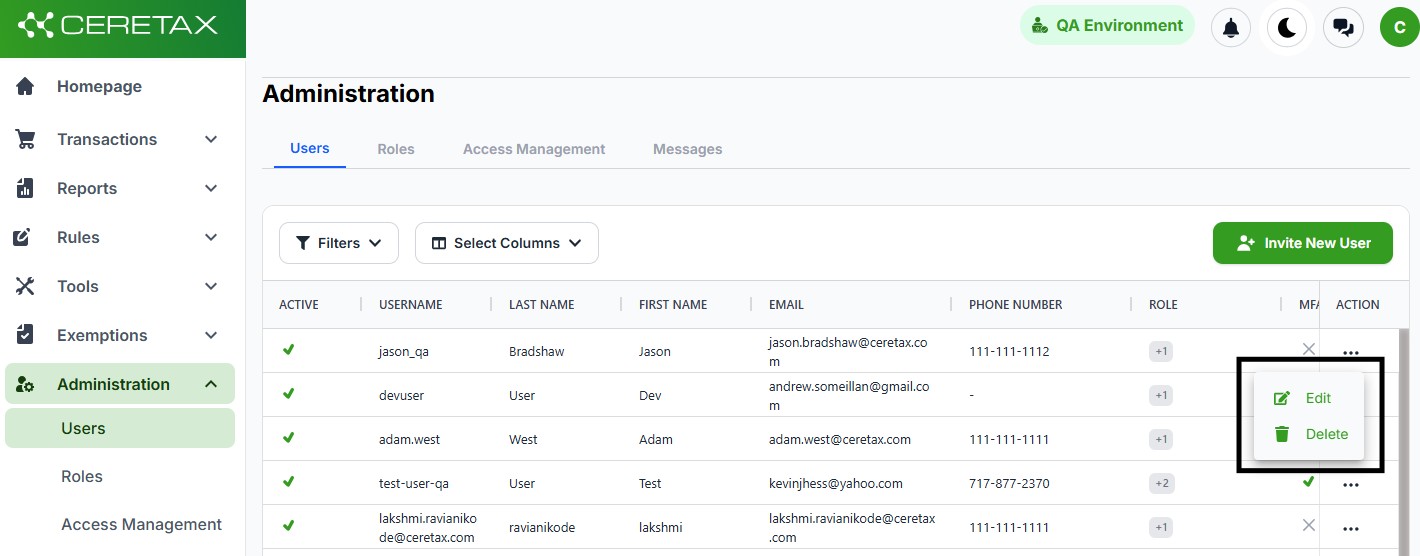
The invitation is valid for one week. If your user has not set their password within the allotted time frame, the user can be deleted using the delete option and re-added.
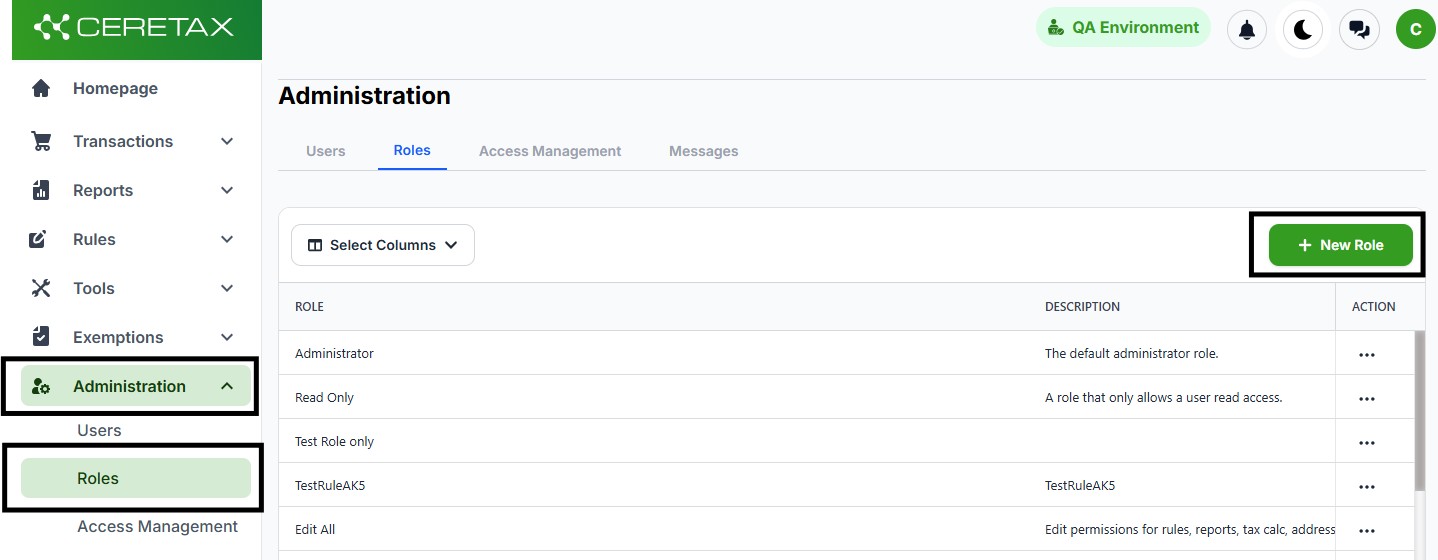
Fill out the new role form
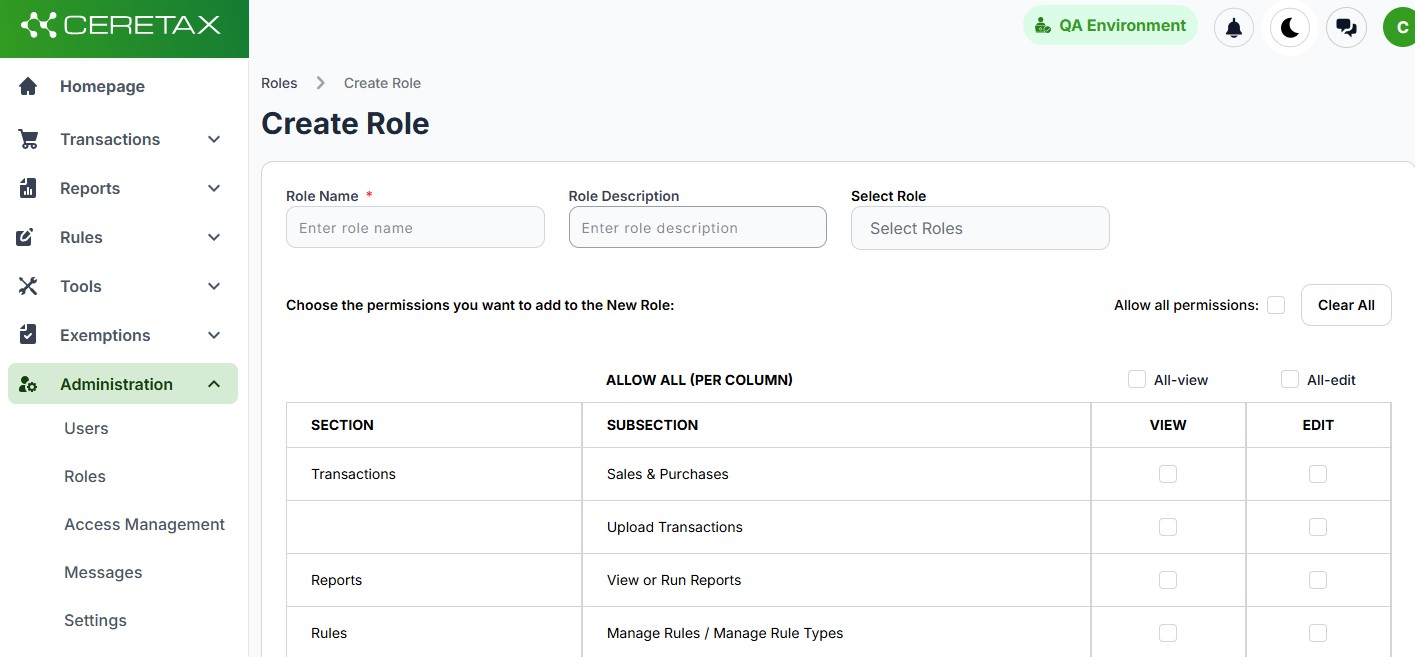
Once the custom role has been created, it can be assigned toa user. See Add New User for step by step guidance.
