In order to confirm taxability of a CereTax PS Code, follow the steps below:
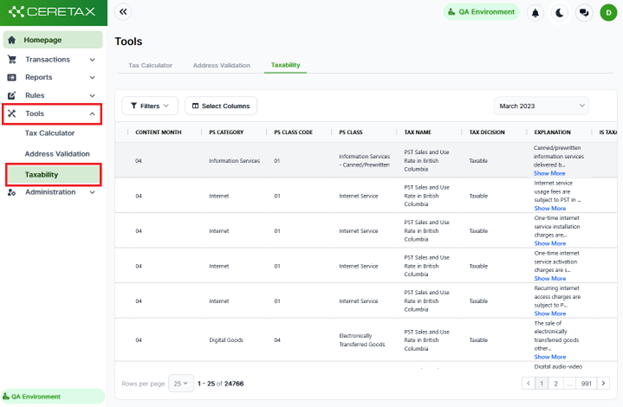
1. Once logged into CereTax, navigate to Tools > Taxability
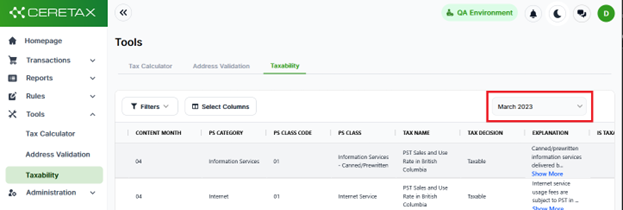
2. The Content Date will default to the most recent Content publication. To confirm taxability for a prior period, select an option from the drop-down.
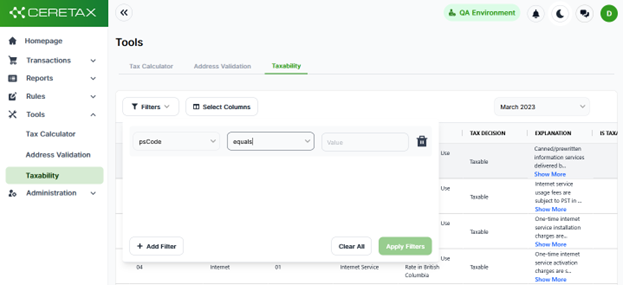
3. To filter the data, click on the filter button above the table to see relevant filter criteria.
4. The Tax Decision column indicates whether this PS Code is Taxable, Not Taxable, or subject to a Reduced Rate.
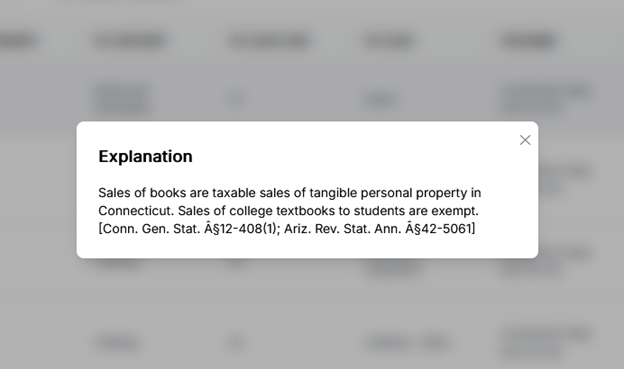
5. The Explanation column includes the relevant citation to support CereTax's Tax Decision, for full details click Show More
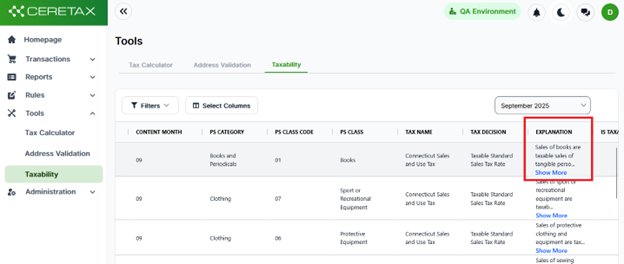
Example Explanation detail