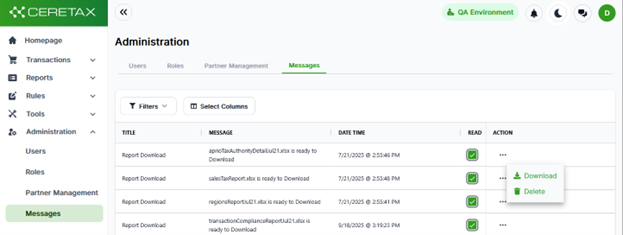
The Messages page allows users to view, download, or delete messages. These are notifications that occur when
· A report has been generated
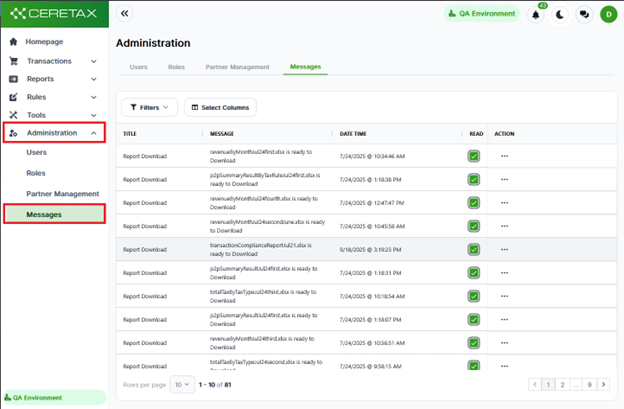
Once you log into Ceretax navigate to Administration >Messages
Alternatively, there is a messaging widget located on the header of the CereTax Portal
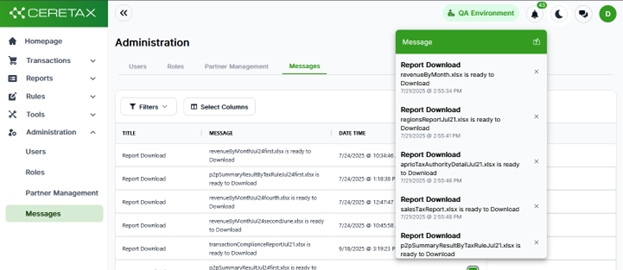
Messages can be deleted either by clicking on the x button in the message drop down, or on the messages page itself by clicking on the …button in the action column