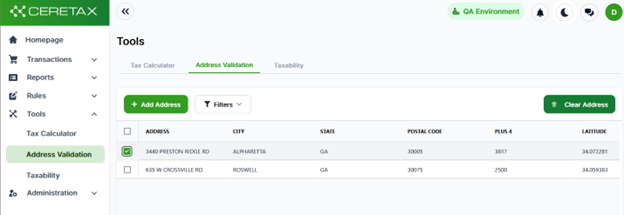
The Address Validator is used to verify addresses and boundaries for accurate tax calculations
Once logged into CereTax, navigate to Tools > Address validation

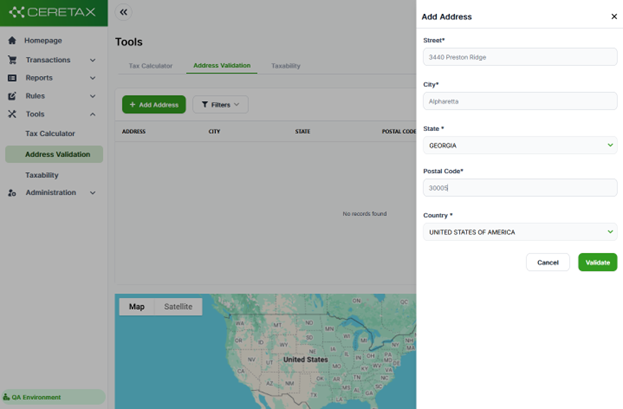
The address validation page provides a section to enter multiple addresses and view the exact location on a map. First, click the add address button and fill out any relevant address data you have
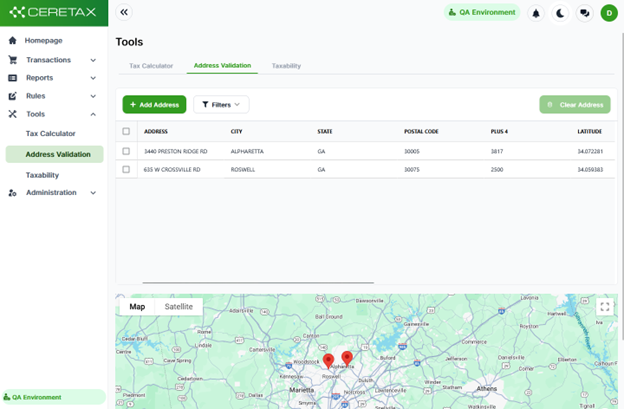
When you save multiple addresses on the page you are able to see them all
You can remove selected addresses by clicking on the box next to the address record, then click the clear address button